
Sand Parade
One pour. One color. One satisfying clear.
Pour matching sand into glass jars. Plan your next move, finish each jar, and follow the Sand Festival map toward your next three-star clear.
iPhone: Sand Parade: Color Sort
Android: Sand Parade: Color Sort
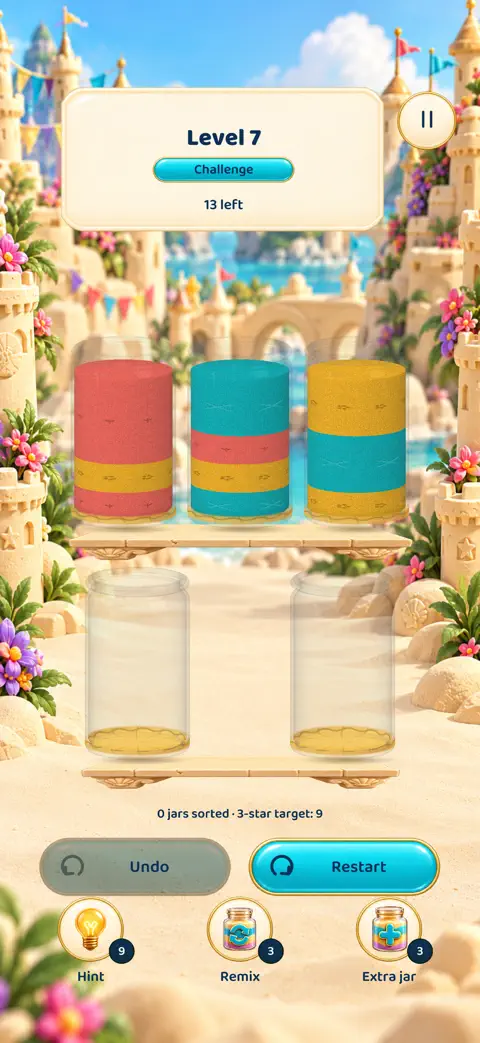
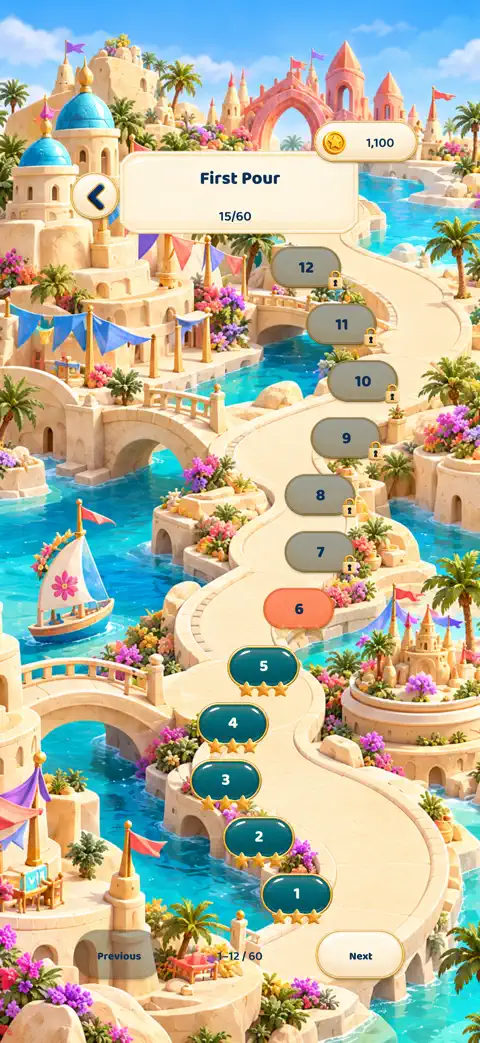
What you can play
- Five guided opening levels teach the first pours.
- Choose Challenge or Relaxed campaign play.
- Return for a shared Daily puzzle with verified iPhone and Android rankings.
Help with Sand Parade
For help, email contact@futuristic.ro. Include your phone model, game version and level number. A screenshot helps us investigate a button or puzzle that looks wrong. Please do not send passwords or payment details.
How do I pour and recover from a stuck board?
Tap a jar to lift it, then tap a destination. Sand pours into an empty jar or onto the same top color when there is room. Tap the lifted jar again to put it down. Use Undo or Restart to try a different sequence. Campaign help is optional, and ranked Daily retries are free.
Where is my progress saved?
Campaign progress and purchased supplies stay on your device. Optional online competition uses a guest profile; linking a supported platform account can recover that online profile. This does not transfer campaign progress or purchases between devices. Avoid uninstalling or clearing storage when troubleshooting.
How do Daily rankings work?
Android and iPhone players receive the same puzzle for each UTC day. Only verified results appear in rankings. Paid boosters, rewarded boosts and hints do not improve ranked scores. If a challenge expires or you are offline, choose practice.
How do I change privacy or motion settings?
Open Settings to adjust music, effects, haptics and motion. Calm motion is optional. Open Settings → Privacy → Manage ad privacy to review available ad choices.